***
My Financials is in an alpha state. Most things are working just fine, but there are a few items that are not yet working. For example, I am still playing with the POS system, so it won't yet work for you, but it will soon.
There are still bugs, so if you use this resource and hit a snag, an error, a 'crashed' screen, please let me know through the email link at the bottom of the page. I will get it fixed. Just let me know which page you were on and what you were trying to do. This helps me narrow down where the issue might be.
I appreciate your feedback. I will try and make this a resource you can utilize, and chances are, if you have an issue with some element of the site, others will too, so tell me about it, and I will work to make this service work for you.
This is a product of PadgeCraft LLC, which is the business name I set up with the state of Kansas, but it is just me, a sole-ownership, and I want to make this a service you can depend on, so be patient with me, if there is an issue, I will get it fixed, and if you have an idea about how to make the site better, please let me know.
***
My Financials offers a secure, privacy-eccentric accounting platform with a wide variety useful tools. Depending on your, or company's, needs, My Financials offers tools to better make sense of your financial activity.
There is a variety of ways this site can handle your personal / company data.
When you register and verify your email or phone number, a personal database is set up for you to work in. This database is yours to do whatever you want with, and is not a part of, or connected to any other customer's database. As you work within this site, your changes are saved to your DB.
You can backup / save a copy of your database, which can be stored on this site, and downloaded to your own computer for safe keeping.
If you worry, like I do, about your personal data sitting on some server in the cloud, after making a backup of your DB and downloading it to your computer, you can remove all of your databases / backups from the site. This means, when you wipe the site of all of your DB's, the only copy of your data will be the backup you stored on your personal computer. The site creates a blank DB to sit on the site in its place. The next time you log in, you will need to upload your backup to continue working with your data. Or if you want to have separate DB's for each company, simply create your next company on the blank DB, and do your backups, downloads like normal. This way you can choose which DB you need to work with, and upload only the data you need. Or, of course, if that is too much work, multiple companies can be created within a single DB.
*** There is a central DB the site uses for site settings and authentication. The only personal information we keep on this DB is authentication values (username, encrypted password, 'created on' date, phone and email, which are only saved in case a password reset is needed, and during initial registration validation.)
You are able to create multiple companies, either stored together in your personal database, or you can create specific databases for individual companies, which you can upload and work with as needed. All data is company specific and any interaction with one company will not have any effect on other companies. The only data shared with all companies are your interface color themes, and your UOM (unit of measure) list.
If you only want to track cash flow through your account(s), simply select the account you wish to work with. Your transactions are displayed, sorted by date, and with the ability to add / edit / delete transactions. Your transactions can also be viewed from custom date ranges, which can be set on the same page.
If you are more comfortable working in the general journal, or have multi-line transactions to enter, the General Journal is available for your complex transactions.
Custom accounts are set by you to create the record keeping environment of your choice. In assets, you can create your checking / savings / cash accounts. In income, create accounts for the money you have coming in. In expenses, create category accounts for the money you spend. In expenses you can be as generic or specific as you need. For example, you could make a general 'Utilities' account, or if you want to be more specific, 'Internet', 'Phone', 'Electricity', 'Gas', 'Trash' accounts. Or, you could set up accounts for individual payees. Up to you, set it up the way that works best for you. Account cash flow is viewable as a graph in Reports.
*** Working, but still needs some TLC
Create a budget based on income and expenses, and detailed down to individual accounts. Budget limitation values are visible as a part of your account graphic in Reports.
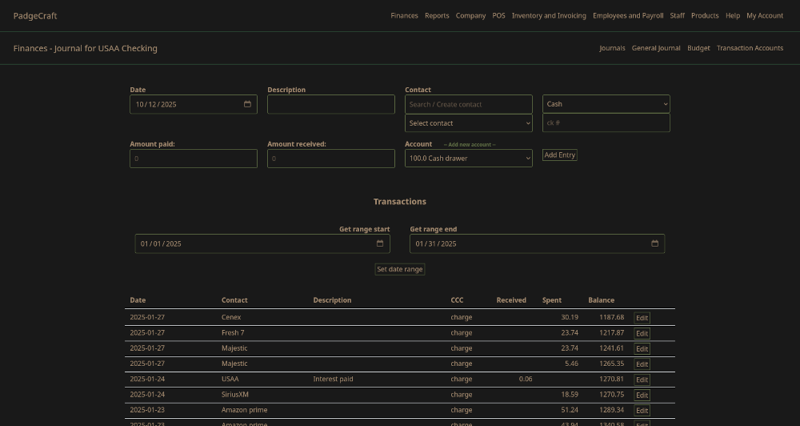
View reports.
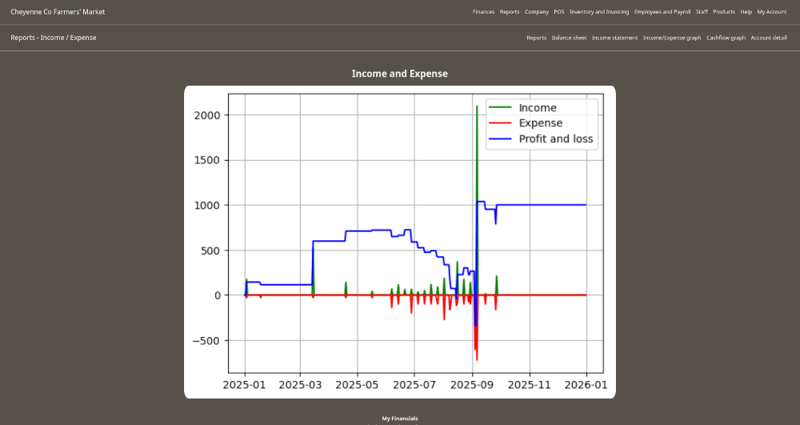
The Balance sheet and Income statements show the value of and changes to each of your accounts. The information shown in these reports are cumulative for the year, but individual transactions within each account are viewable by date range, which can be set on the same page.
There is an Income/Expense graphic which tracks your income and expenses during the year.
A cash flow graphic which tracks the value of your asset (liquid) accounts. You can check how much cash you had / have available on any given day.
You can also graphically view the daily value of any of your individual accounts.
The data shown in the graphics are correct and valid, but it is on my to-do list to make them 'prettier'.
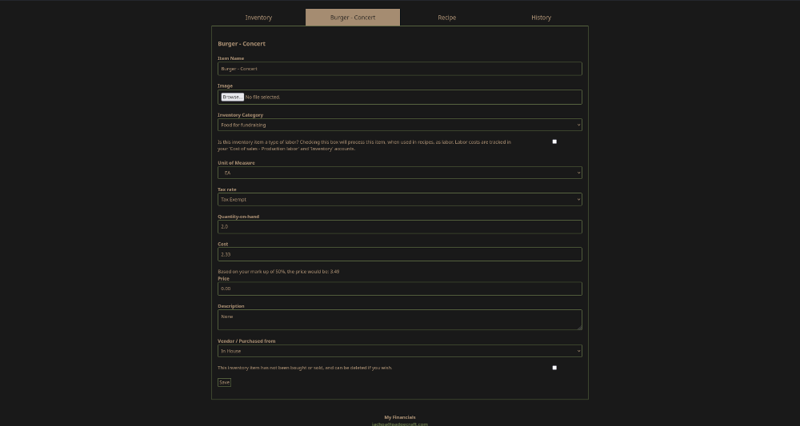
Track inventory. When was this item bought, from whom, and for how much? How many are on hand, what was their cost (which is automatically calculated), and what are you selling that item for? Log files show purchasing, selling dates and quantities.
Recipes allow you to combine inventory items: ingredients, components, bottles, boxes, with the labor required to make a new item. The site will calculate the cost of the new item for you, but is not mandatory, the new cost is a suggestion which can be changed if needed.
The retail price suggestions are also calculated, but can be set to any amount you wish.
There are purchasing and sales invoices which can be filled in, stored and printed.
All inventory purchases, sales, and changes are automatically entered as a transaction into your ledger so your account values don't become misleading.
*** I am still working on the POS system, it should be available soon.
These elements are started, but not yet working.
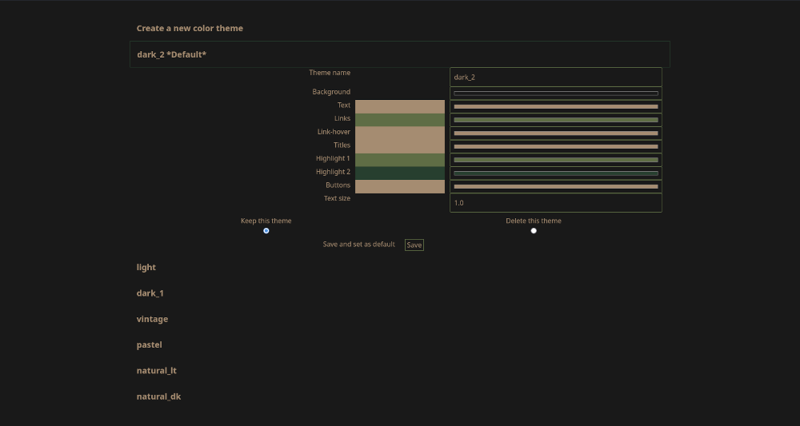
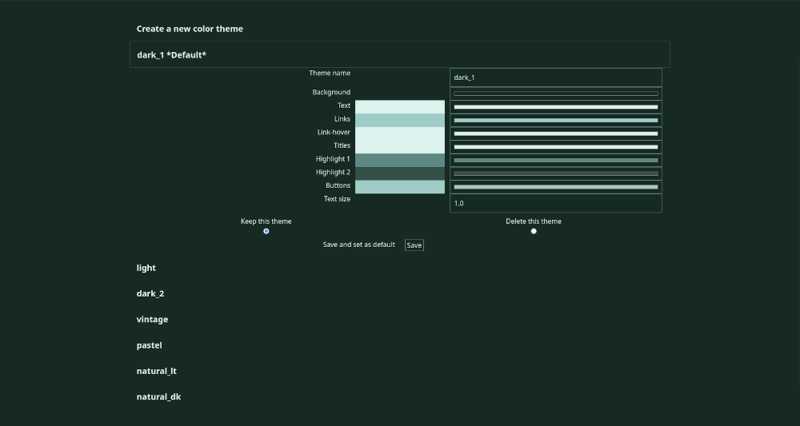
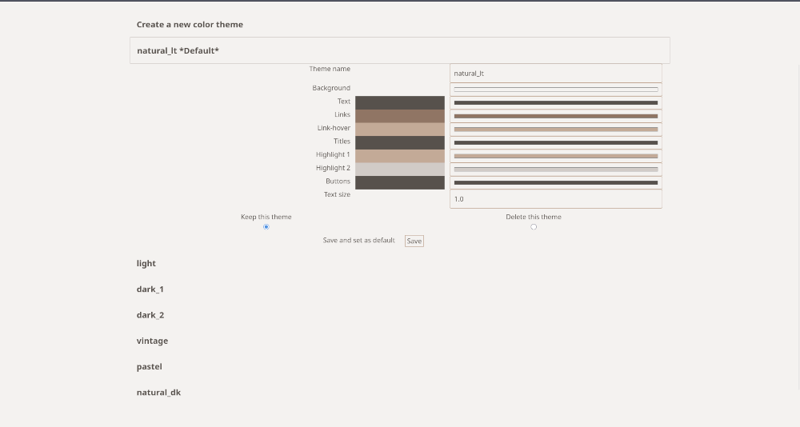
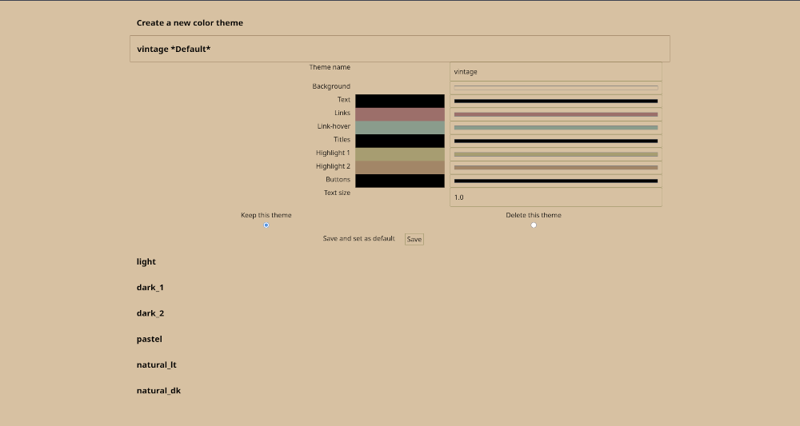
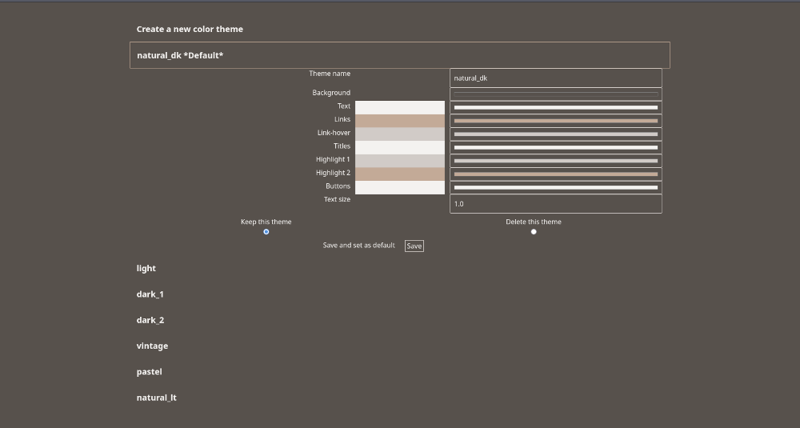
When a database is set up for you, there are a set of themes included. You are welcome to choose any of the themes you find pleasing. The loaded themes are also create-able, editable, and delete-able, so if you don't find one you like, feel free to make a new one, or tweak one of the supplied themes to your liking.
There is a tutorial system available which tries to explain how the page can be used, I hope you find useful.
Since tutorial information may only be needed once, but there may be information you want to display on a page all of the time, you can edit the tutorial text, and display any notes, information, or directions you wish.
The tutorial / notes header may also be turned off if this is a service you don't need.